Agreements
The supervision agreement, signed and locked.
Write it in Guidara, copy one from the library, or upload the agreement you already use. Your supervisee signs it, you can add your own signature, and its text cannot be changed once assigned.
- 30-day free trial
- Always free for supervisees
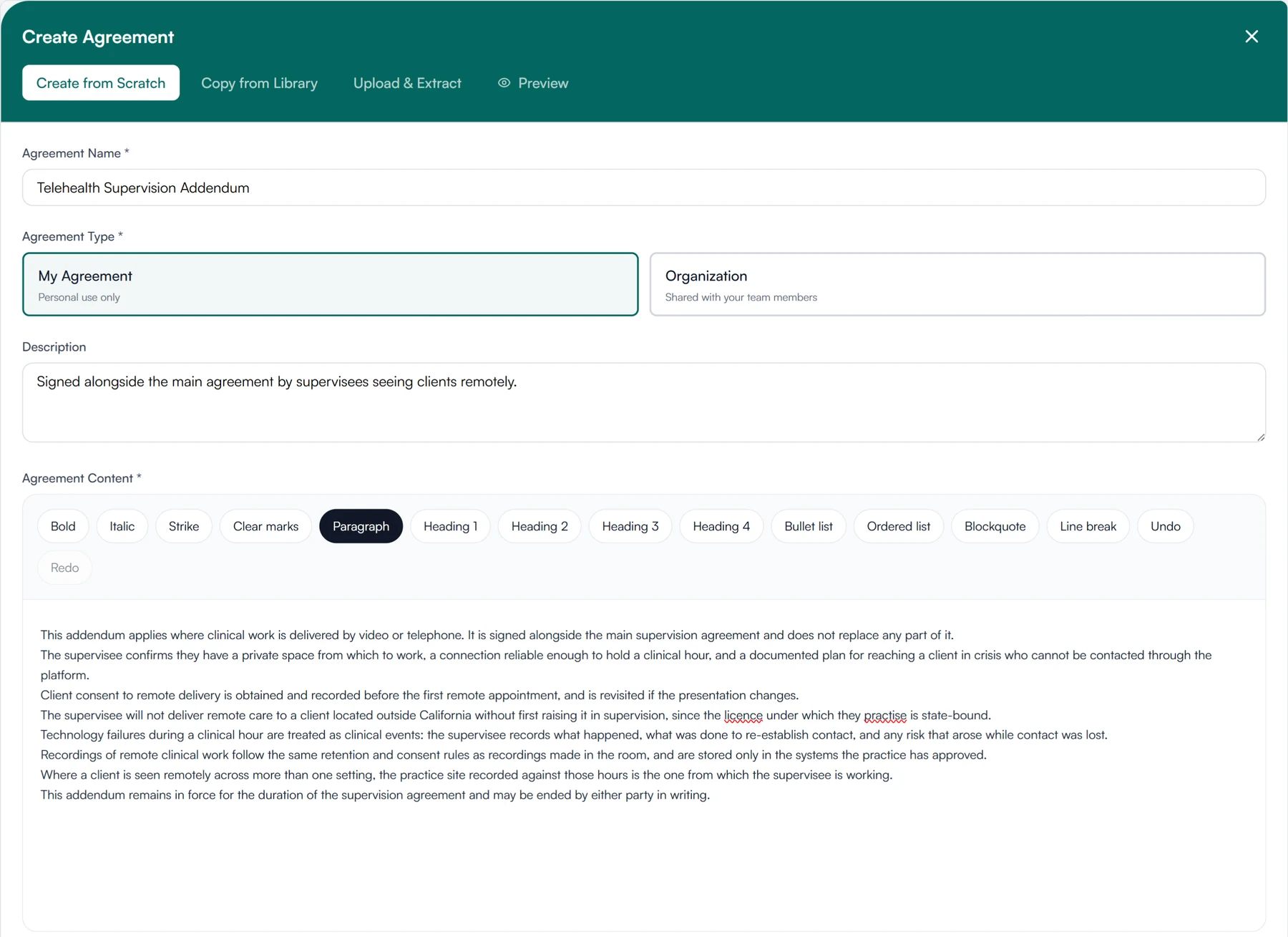
Three ways to start an agreement
- Create from scratch
- Copy from library
- Upload and extract
Writing an agreement and having it signed
Start from a blank page or from the agreement you already use. Either way, your supervisee signs it in Guidara.
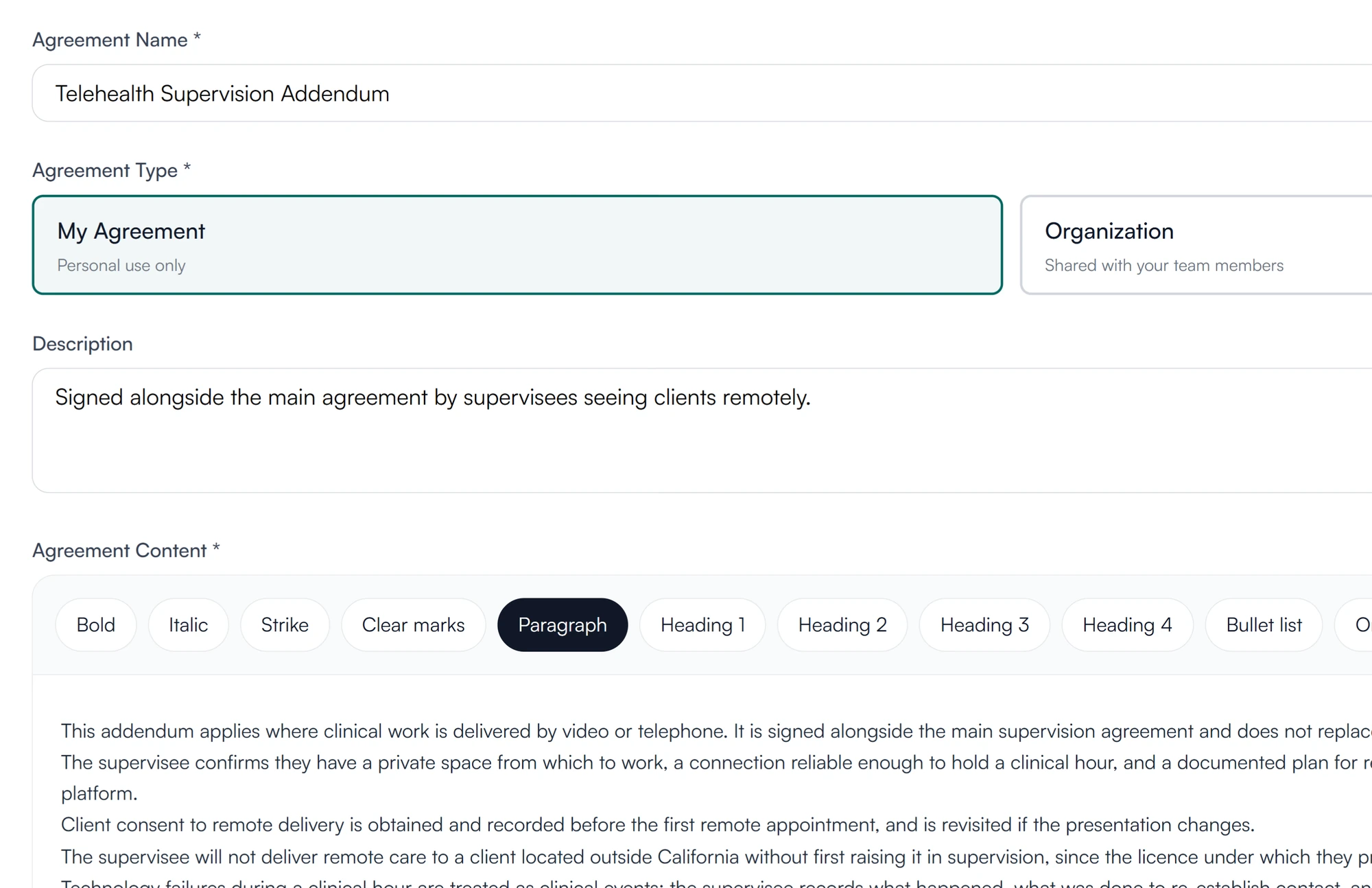
01 Write
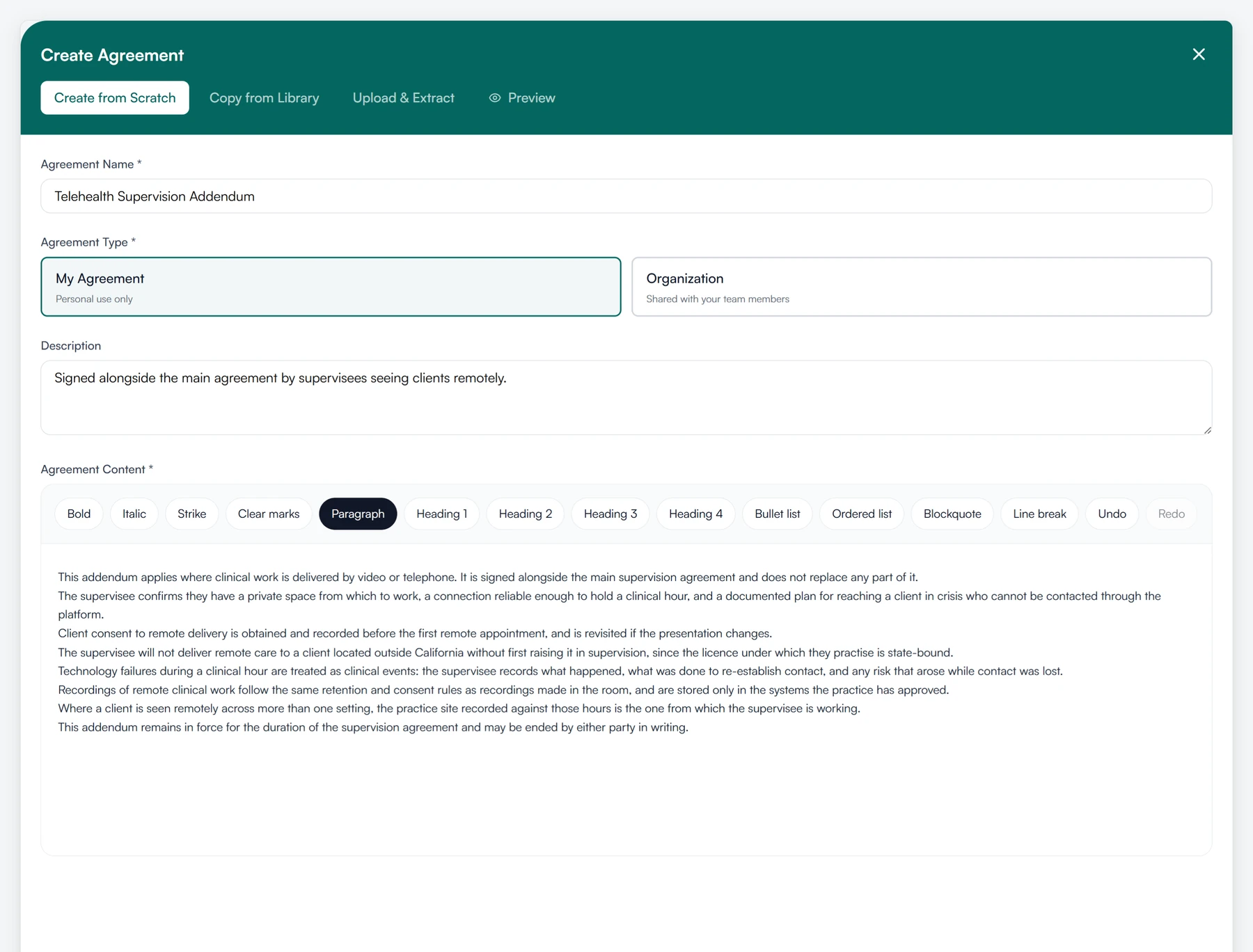
Write the agreement the way you would a document.
- Headings, lists and paragraphs, in an editor
- Owners and admins can share one with the organization
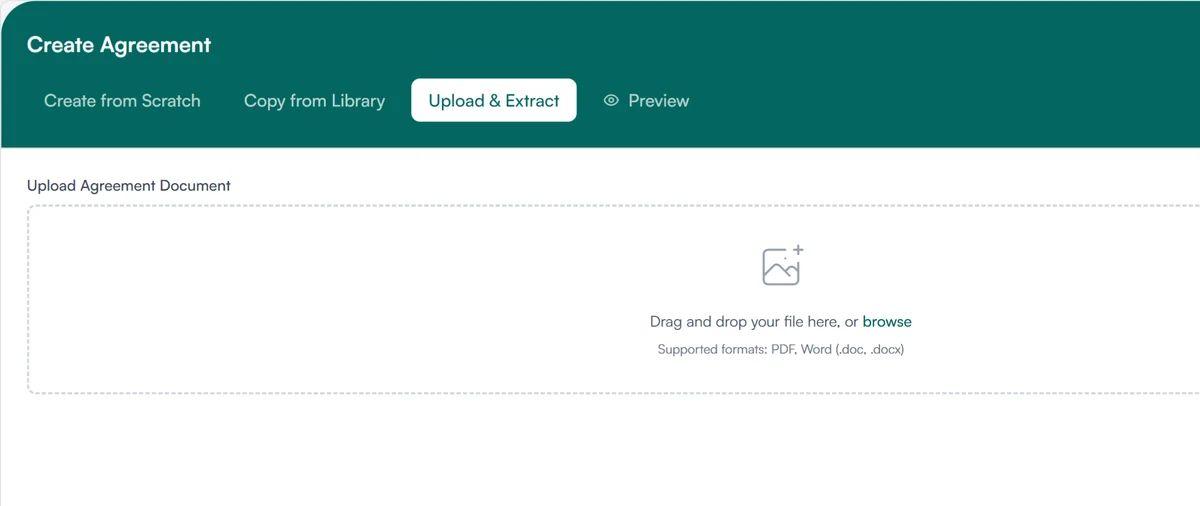
02 Upload
Or upload the one your practice already uses.
- PDF or Word (.docx)
- The text is extracted into the editor
- Edit what needs updating, then send
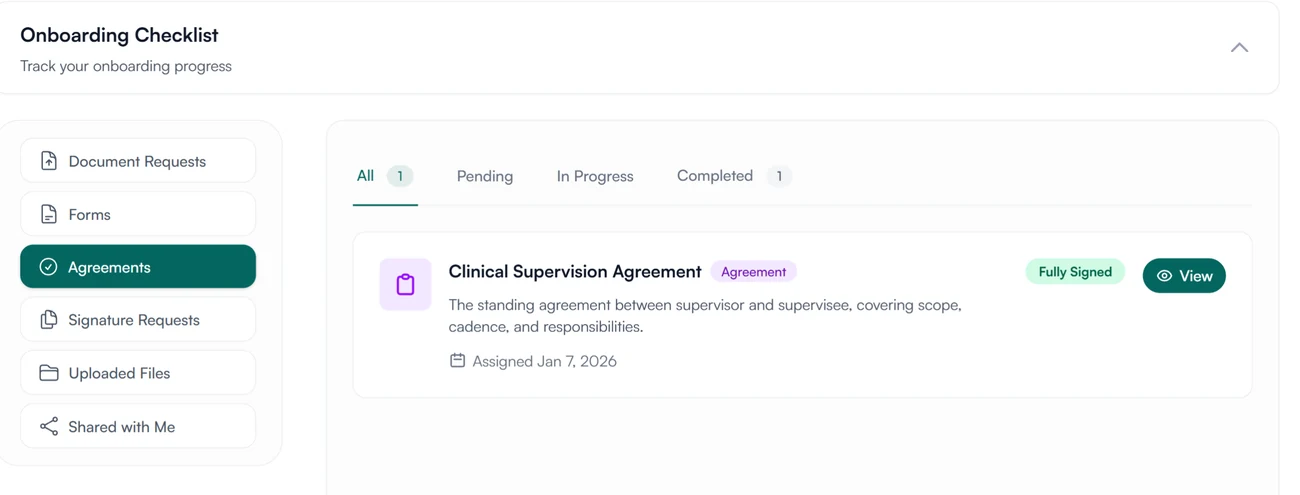
03 Sign
Your supervisee signs it, and you can sign too.
- Assign the agreement to a supervisee to sign
- Each signature records who signed, when, and from which IP address
- The text is fixed and fingerprinted when assigned
Send the agreement in Guidara, not as an email attachment.
Your supervisee signs it there, and the signed copy stays in their record.
30-day free trial. Always free for supervisees.
A closer look at agreements
Write an agreement once and assign it to each new supervisee.
Three tabs
Write one, copy one, or upload your own.
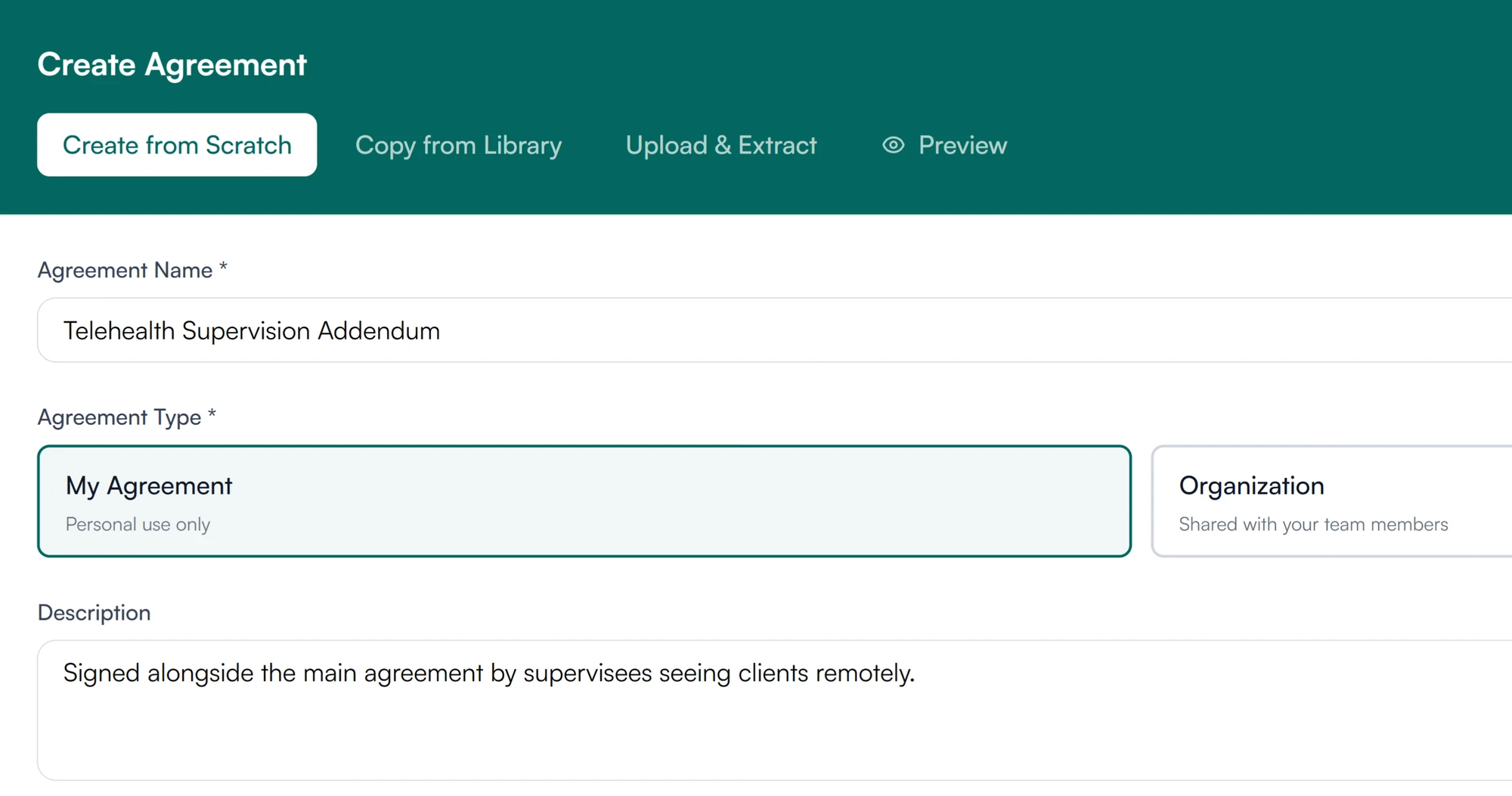
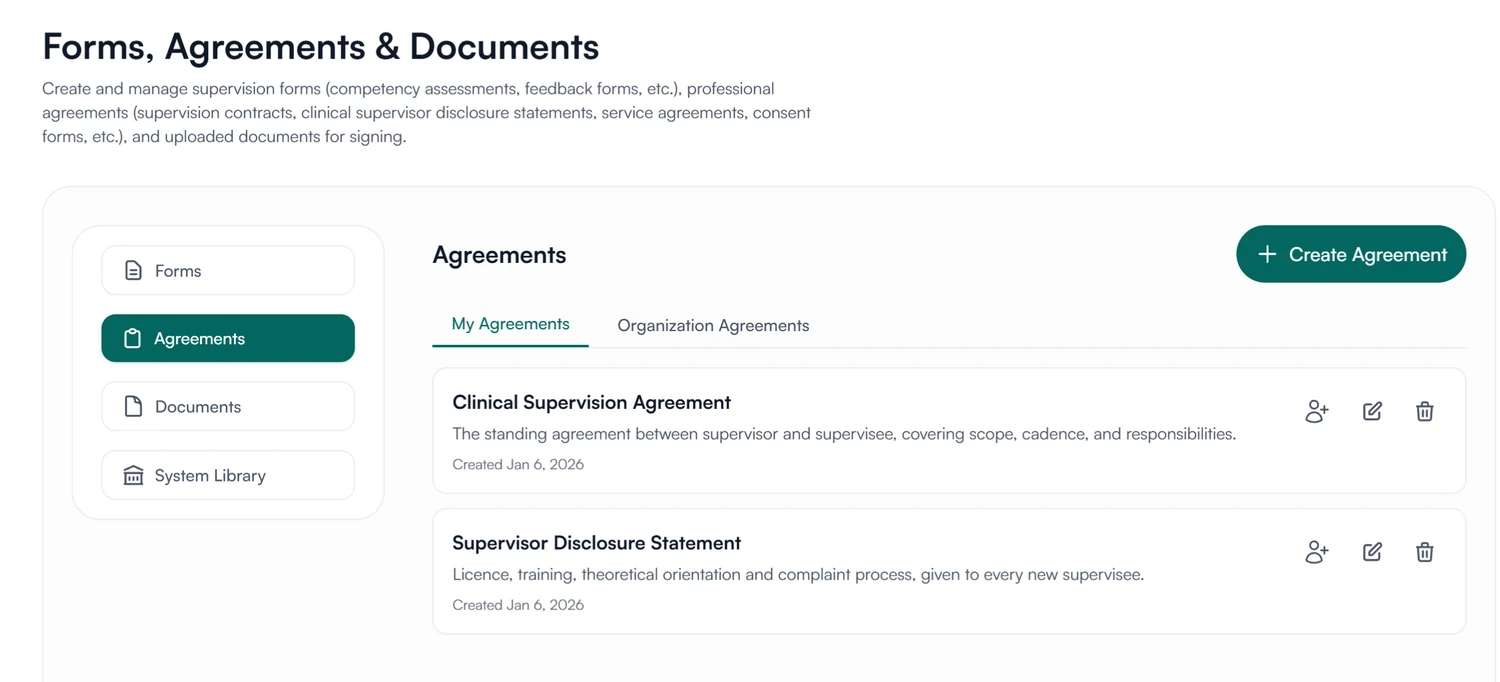
Create from Scratch opens the editor. Copy from Library opens the system library, where you copy an agreement into the editor. Upload & Extract takes a PDF or Word (.docx) file. Preview shows it as the supervisee will see it.
Mine or the organization's
One agreement for the practice, or your own.
An agreement is either yours alone or shared with your team members. Owners and admins decide which agreements are shared, such as the practice's standard agreement.
Assign
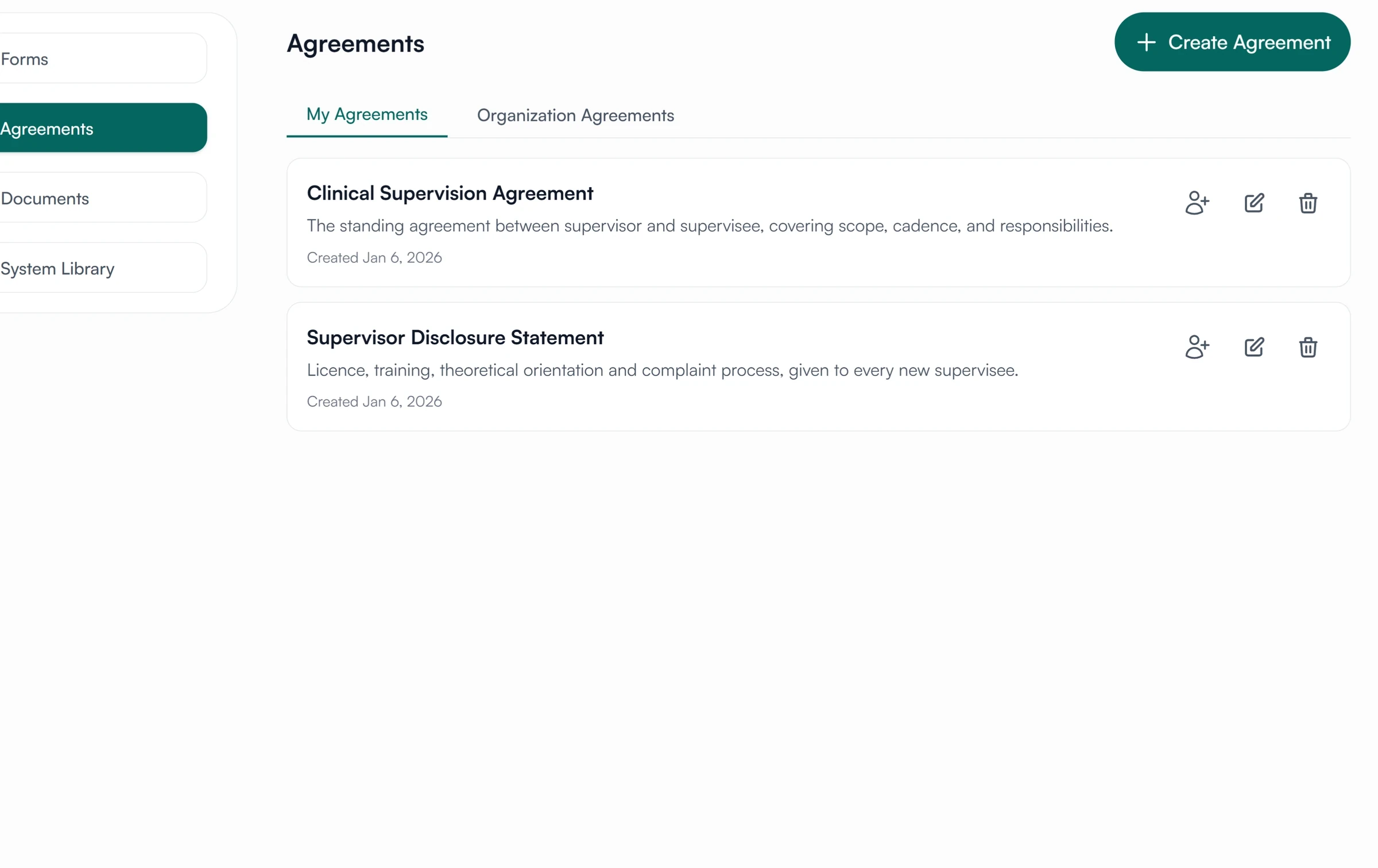
Send it to a supervisee from the list.
Each agreement in the list has an assign action. Pick the supervisee and it lands on their documents page, waiting for their signature.
Agreements for supervisees and supervisors
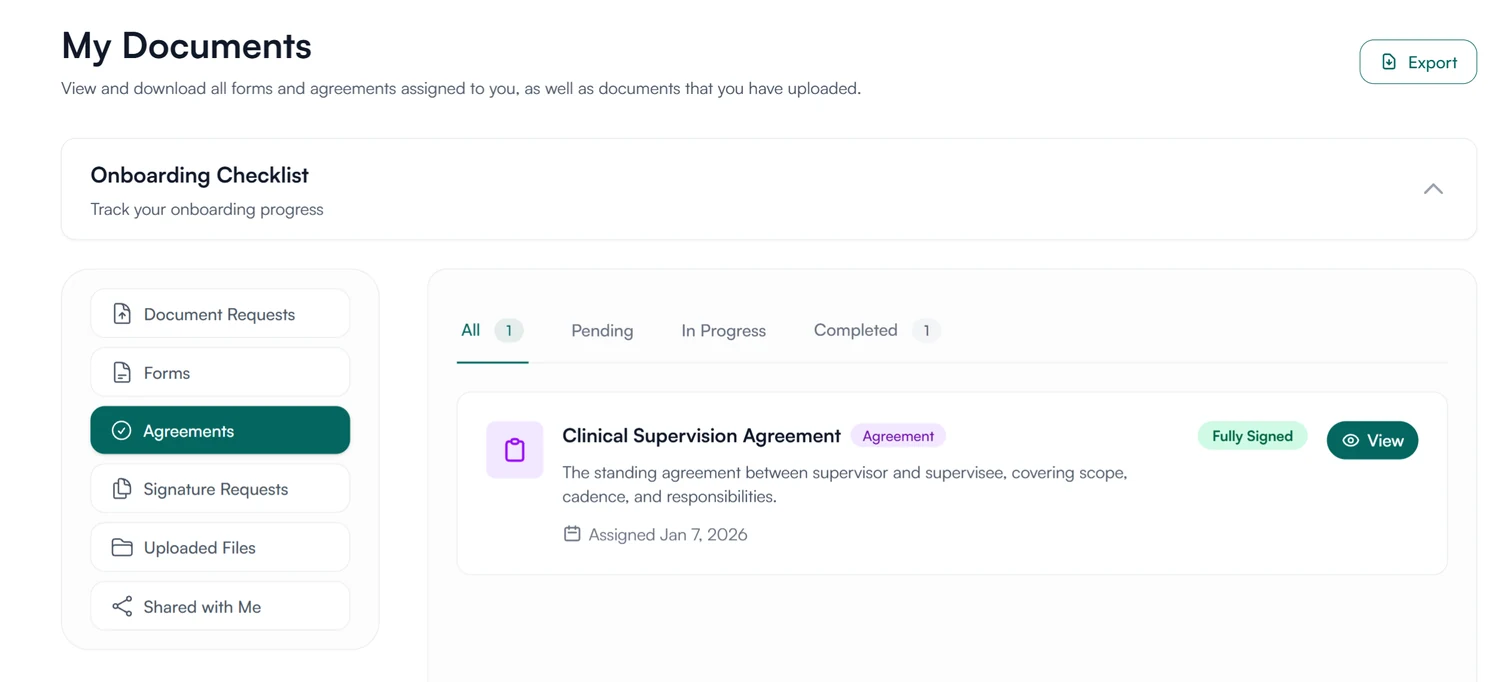
Agreements you have been asked to sign.
An agreement assigned to you appears under Agreements and on your dashboard. Once you sign it, it stays in your record with its signatures.
- Agreements waiting for your signature
- Export your signed agreements as a PDF
How agreements are stored and protected
How Guidara protects your records- Signer, time and IP address
- Each signature records who signed, when, and from which IP address.
- Fingerprinted content
- An assigned agreement carries a fingerprint of its text, so any later change can be detected.
- No client health information
- An agreement is between supervisor and supervisee. Guidara never stores your clients' records.
- Secure by default
- Encrypted in transit and at rest, on SOC 2 certified infrastructure.
Works with the rest of Guidara
All features- FormsBuild a form or import one, assign it, collect the answers. Explore
- Digital signaturesEach signature records who signed, when, and from which IP address. Explore
- Supervision plansThe supervision plan for each supervisee, kept with the agreement. Explore
- OnboardingInvite a supervisee and assign what they need to start. Explore
Questions about agreements
The agreement, signed before supervision starts.
Upload the one you use now and have your next supervisee sign it in Guidara.
30-day free trial. Always free for supervisees.