Billing
Invoice the meetings you have already held.
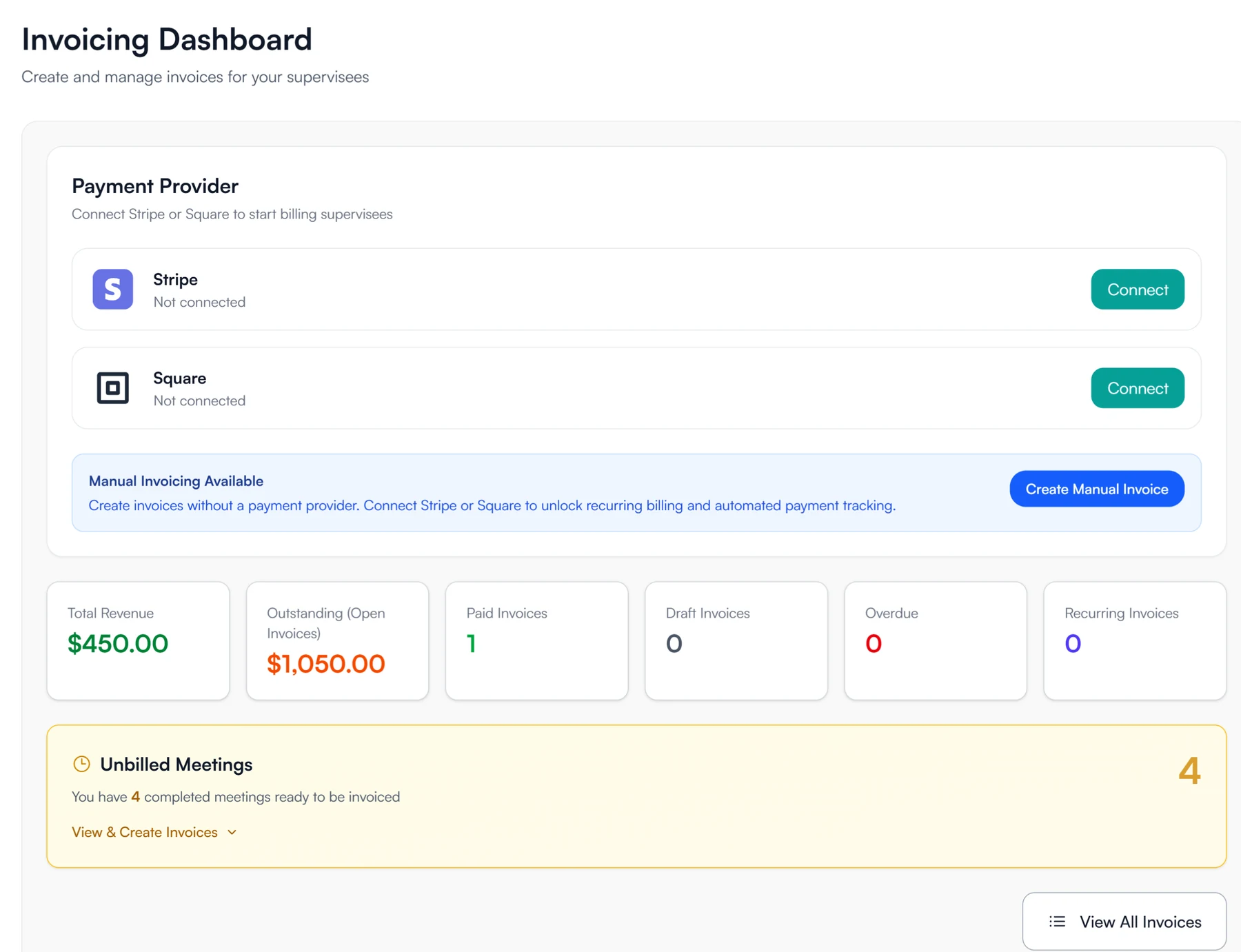
Connect your practice's Stripe or Square account. Guidara lists the supervision meetings you have not invoiced yet, and marks an invoice paid when the supervisee pays it.
- 30-day free trial
- Always free for supervisees
Paid straight into the practice's account
- Stripe
- Square
- Your account, not Guidara's
- Only the processor's fees
Invoicing a meeting and getting paid
Payments go through the practice's own Stripe or Square account, and Guidara keeps count of what has not been invoiced.
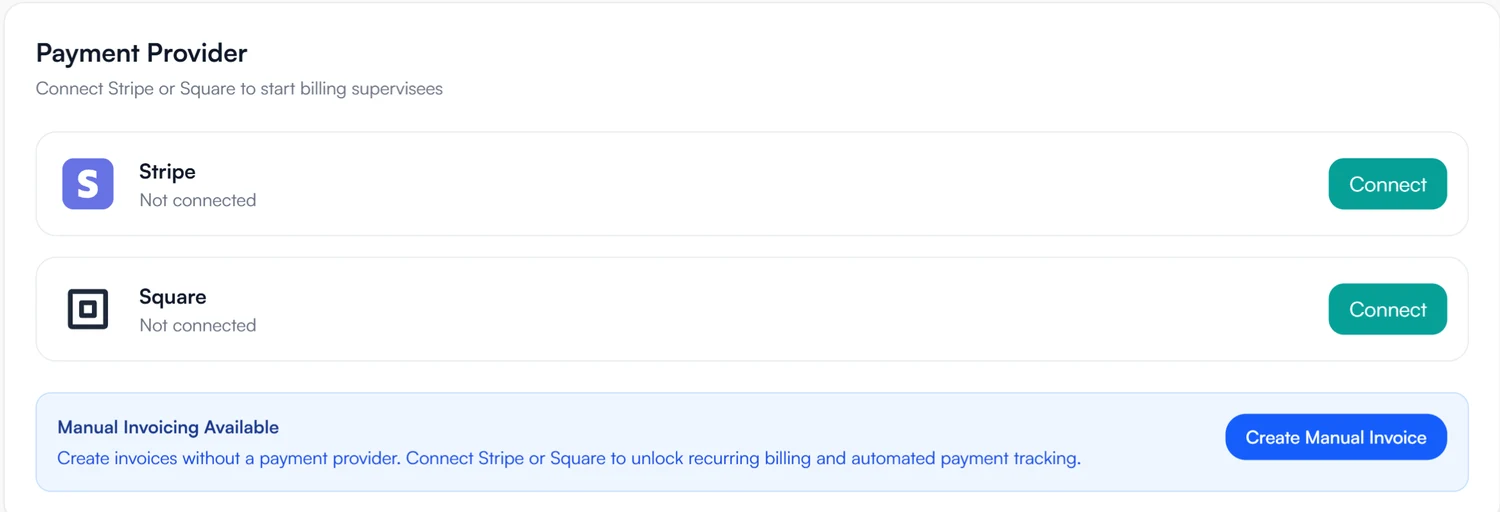
01 Connect
Connect the account the practice already has.
- Stripe or Square, your choice
- Manual invoices work before you connect either
- Recurring invoices and automatic payment updates need a connected account
02 Invoice
Bill the meetings that are still unbilled.
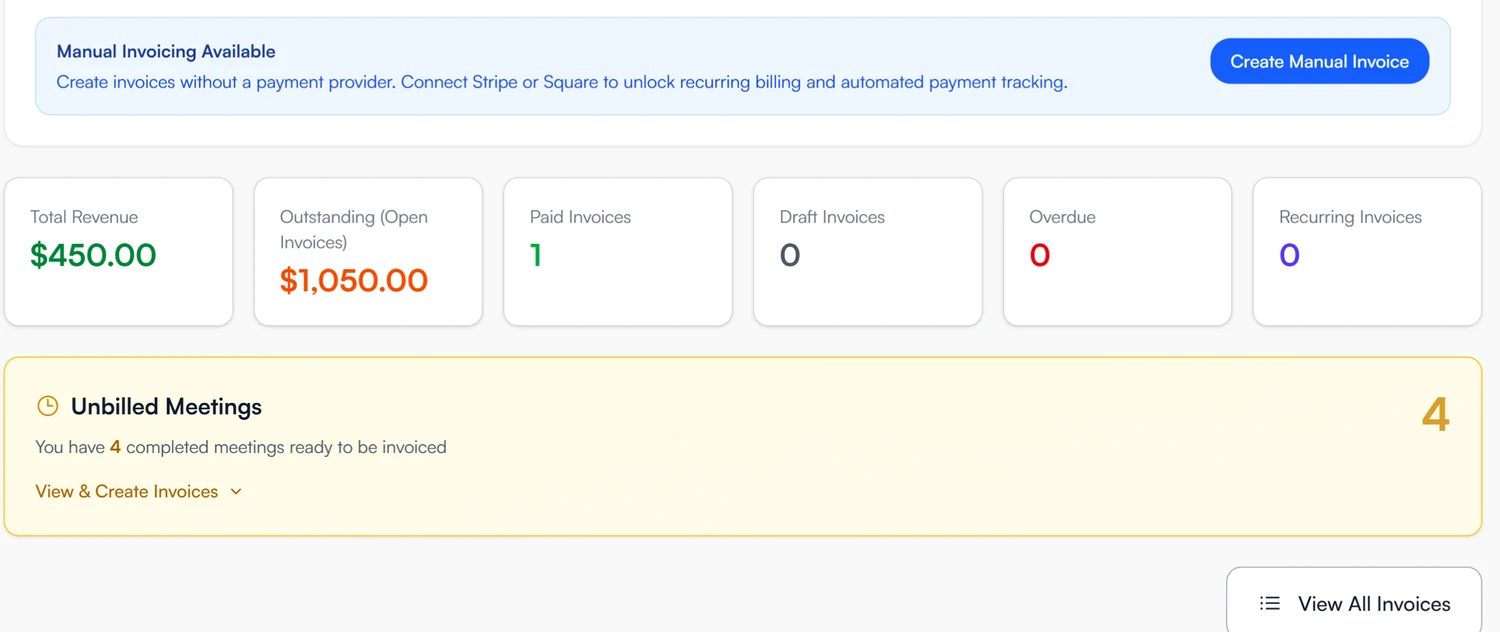
- Completed meetings from the last six months, not yet invoiced
- Line items and a due date on each invoice
- A recurring invoice plan for a standing arrangement
03 Get paid
Invoices are marked paid when the payment goes through.
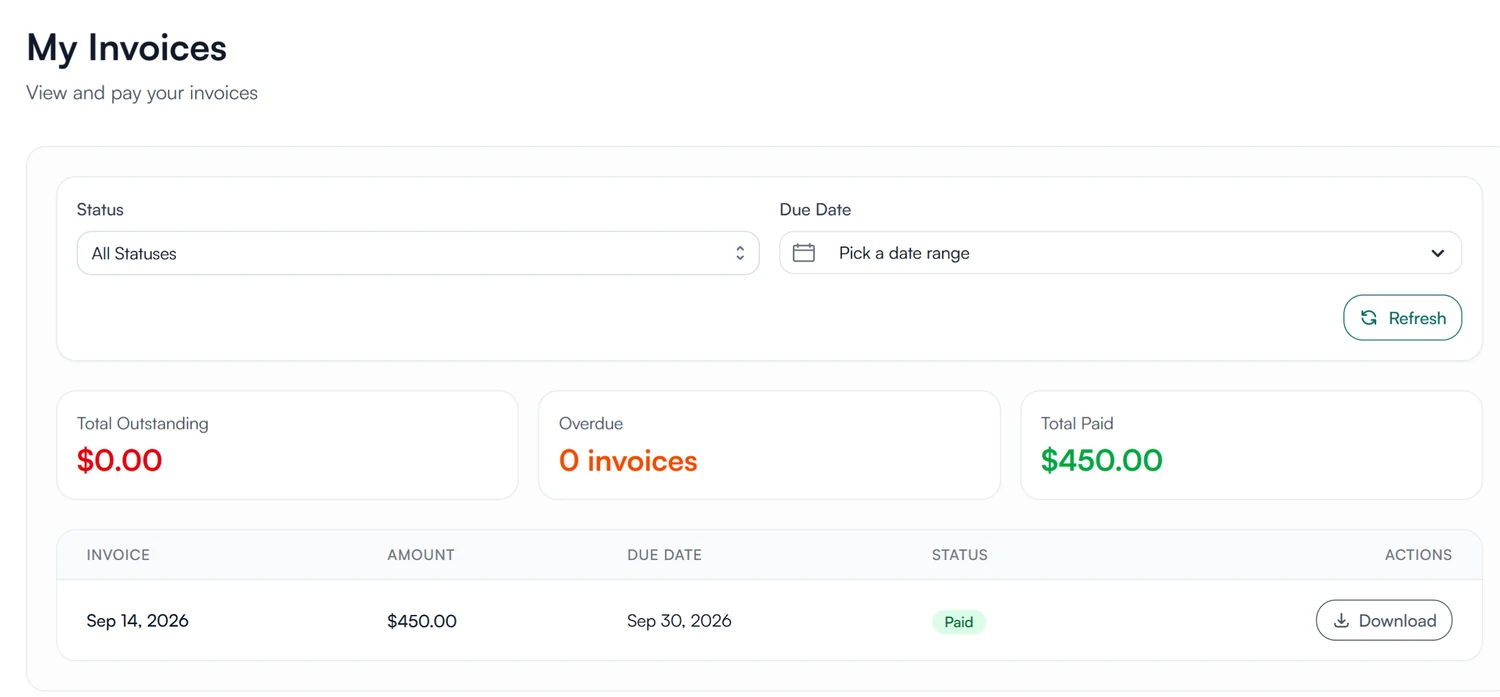
- Supervisees pay Stripe and Square invoices from their own invoices page
- Paid, outstanding and overdue totals update with each payment
- Unpaid invoices flagged on your dashboard
Bill supervision from the meetings themselves.
Invoices are created from the supervision meetings already recorded in Guidara.
30-day free trial. Always free for supervisees.
A closer look at invoicing
The totals, invoicing from a meeting, and billing before you connect a provider.
At a glance
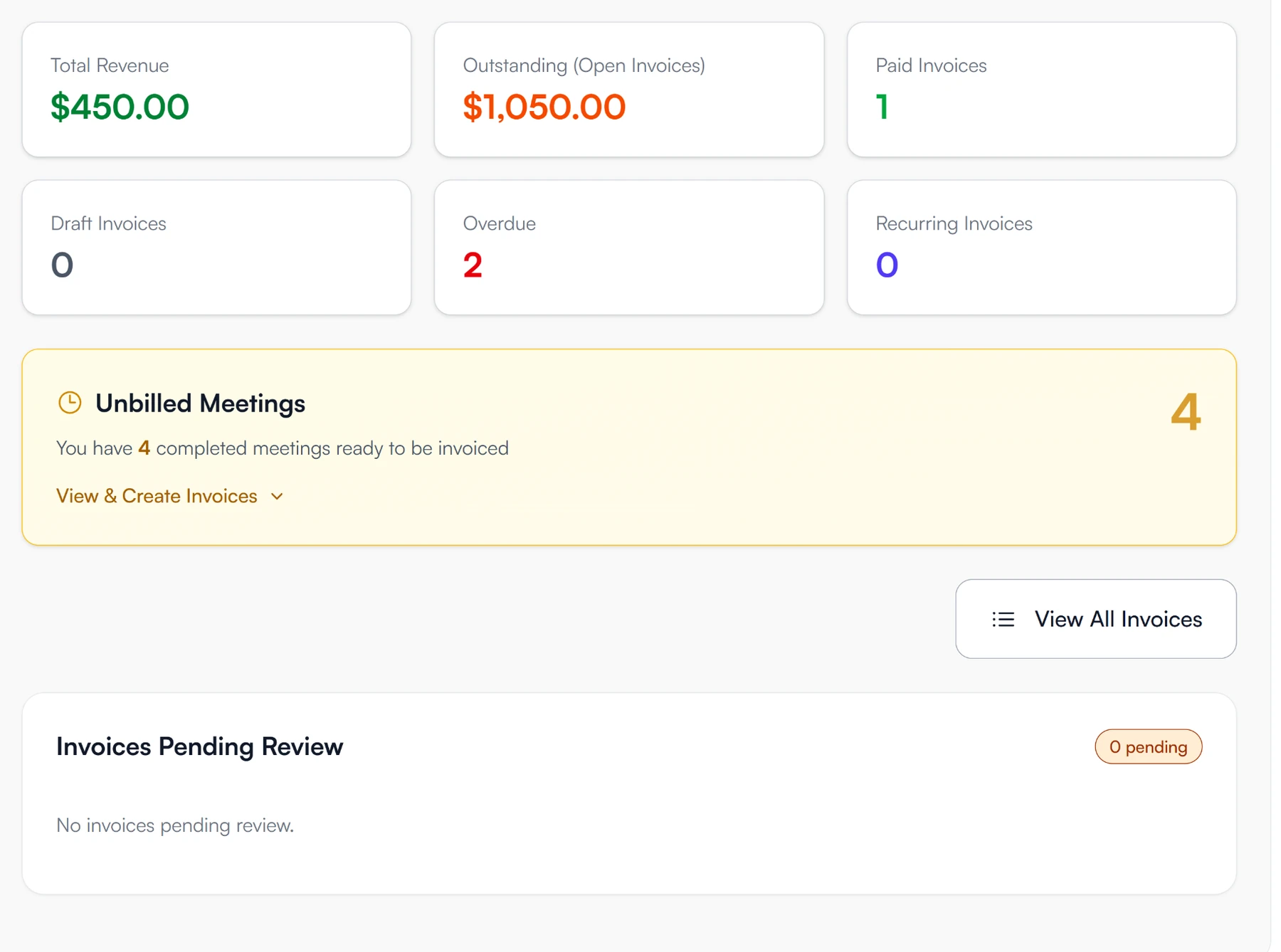
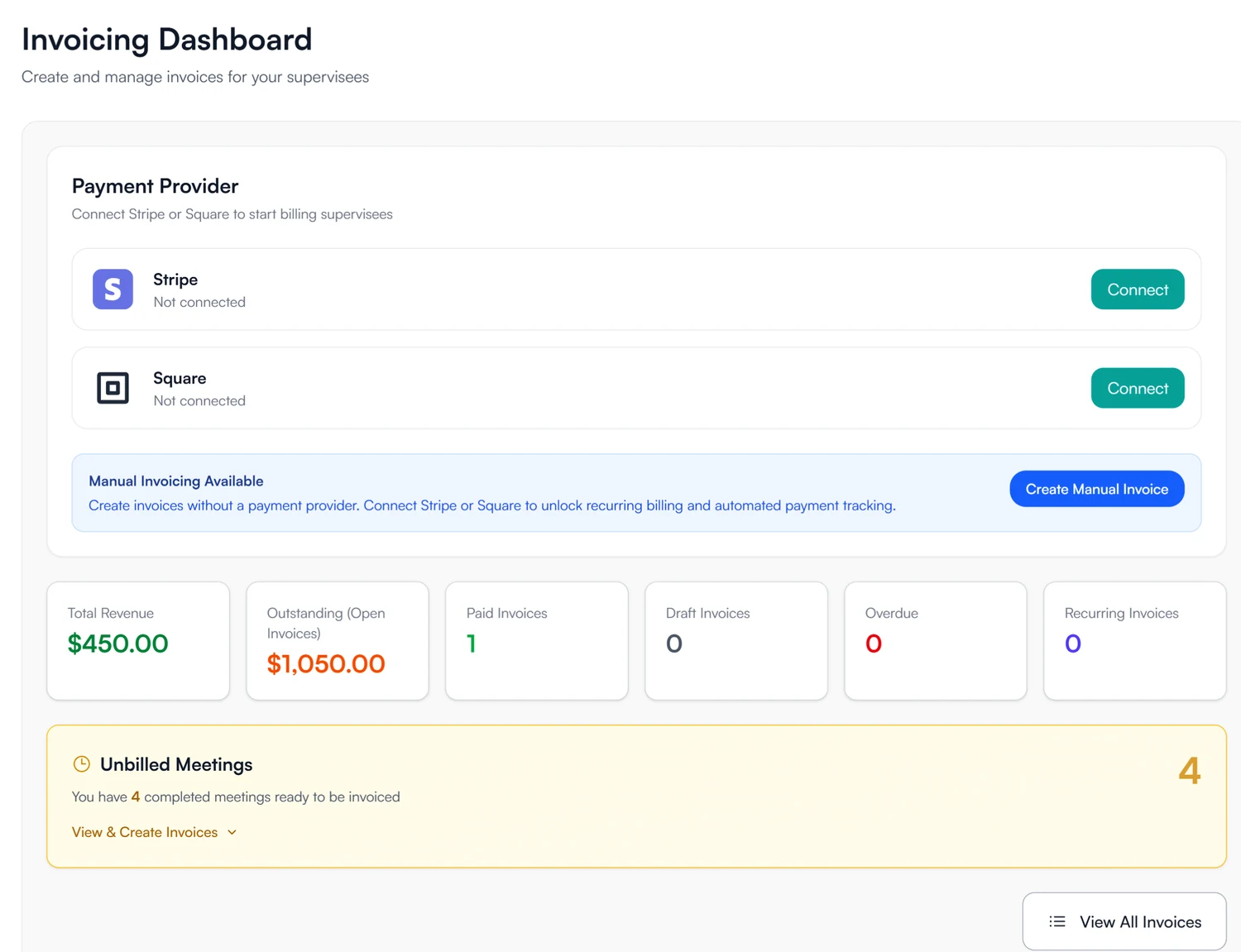
Six totals for where billing stands.
The invoicing dashboard opens on total revenue, outstanding, paid, drafts, overdue and recurring invoices.
From the meeting
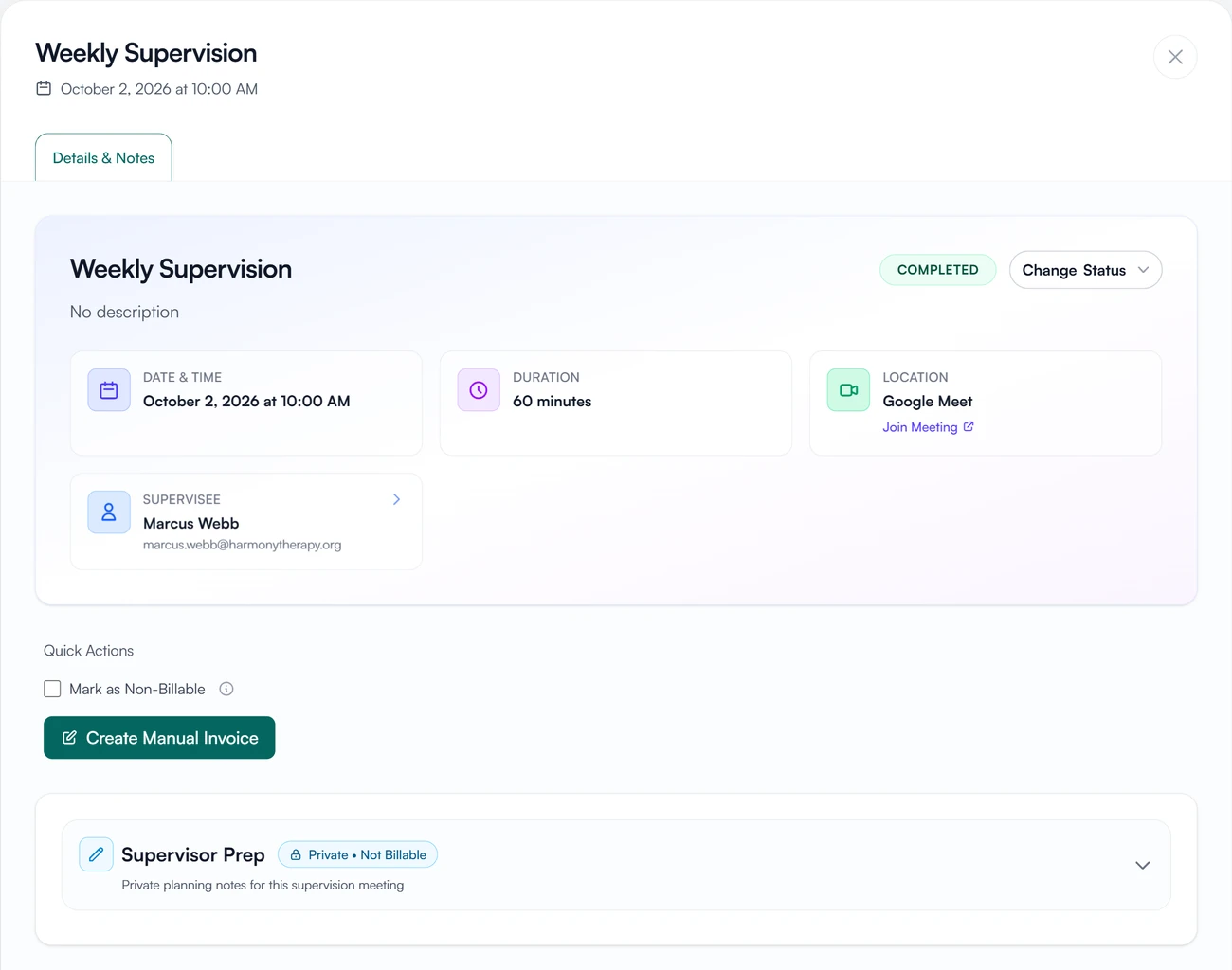
Invoice a meeting from the meeting itself.
A completed meeting has Create Manual Invoice right on it, and a checkbox to mark it non-billable.
Before you connect
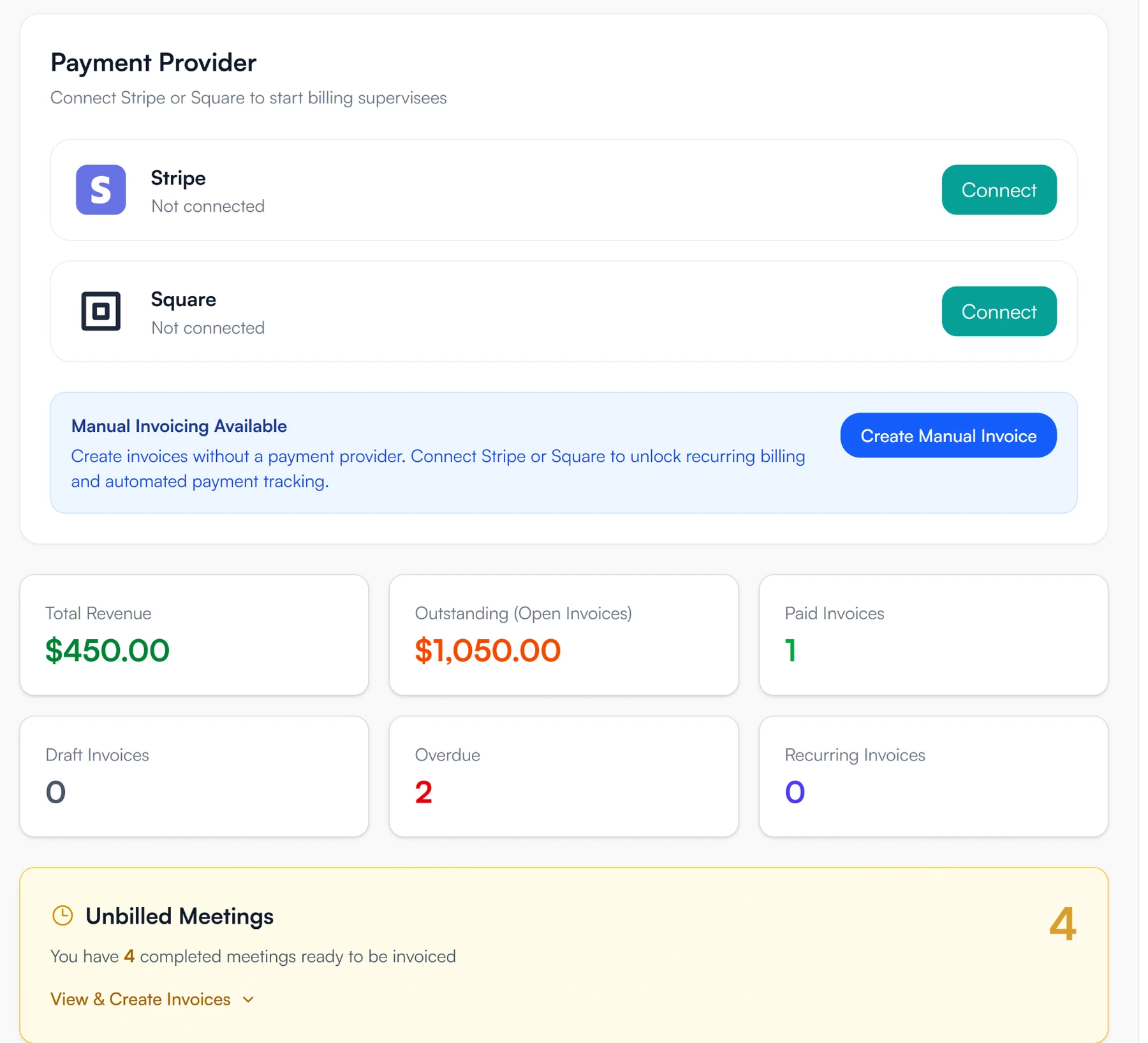
Start invoicing before the processor is set up.
Manual invoices need no payment provider. Once Stripe or Square is connected, recurring invoices and automatic payment updates are available too.
Invoices for supervisees and supervisors
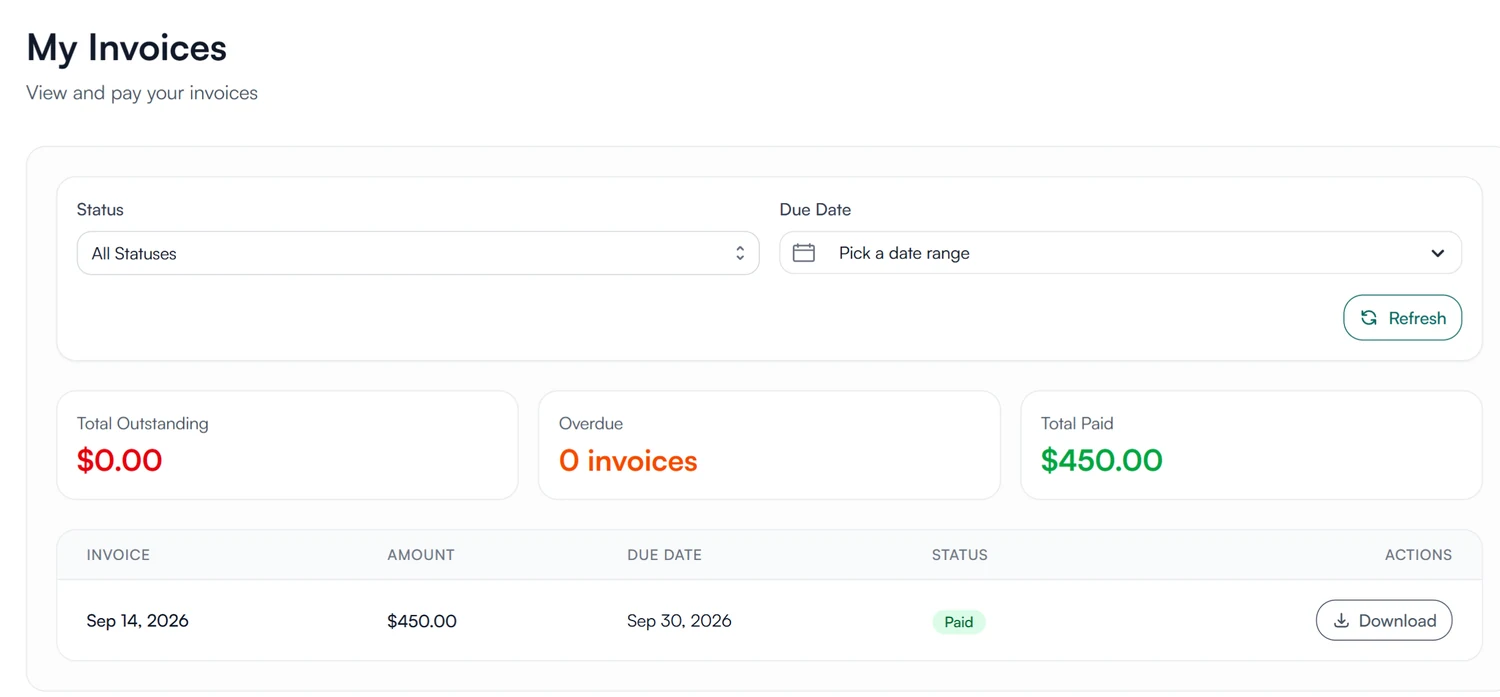
See what you owe and pay it.
Your invoices, with outstanding, overdue and paid totals. Invoices sent through Stripe or Square have a Pay Now button, and any finalized invoice can be downloaded as a PDF.
- Outstanding, overdue and paid totals
- Pay Stripe and Square invoices online
- Download any invoice
How invoices are stored and protected
How Guidara protects your records- Payments go to the practice's account
- Payments go from the supervisee to the practice's Stripe or Square account. Guidara never holds them and takes no cut.
- Invoices in the record
- Invoices are part of the supervisee's record and can be included in exports, which carry a verification code.
- No client health information
- Invoices cover supervision fees only. Guidara never stores your clients' records.
- Secure by default
- Encrypted in transit and at rest, on SOC 2 certified infrastructure. Card details stay with Stripe or Square.
Works with the rest of Guidara
All featuresQuestions about billing
Get paid for the supervision you have already done.
Connect Stripe or Square and invoice this month's meetings.
30-day free trial. Always free for supervisees.